
Documentation
Training calendar
Plan and review training from a timetable view.
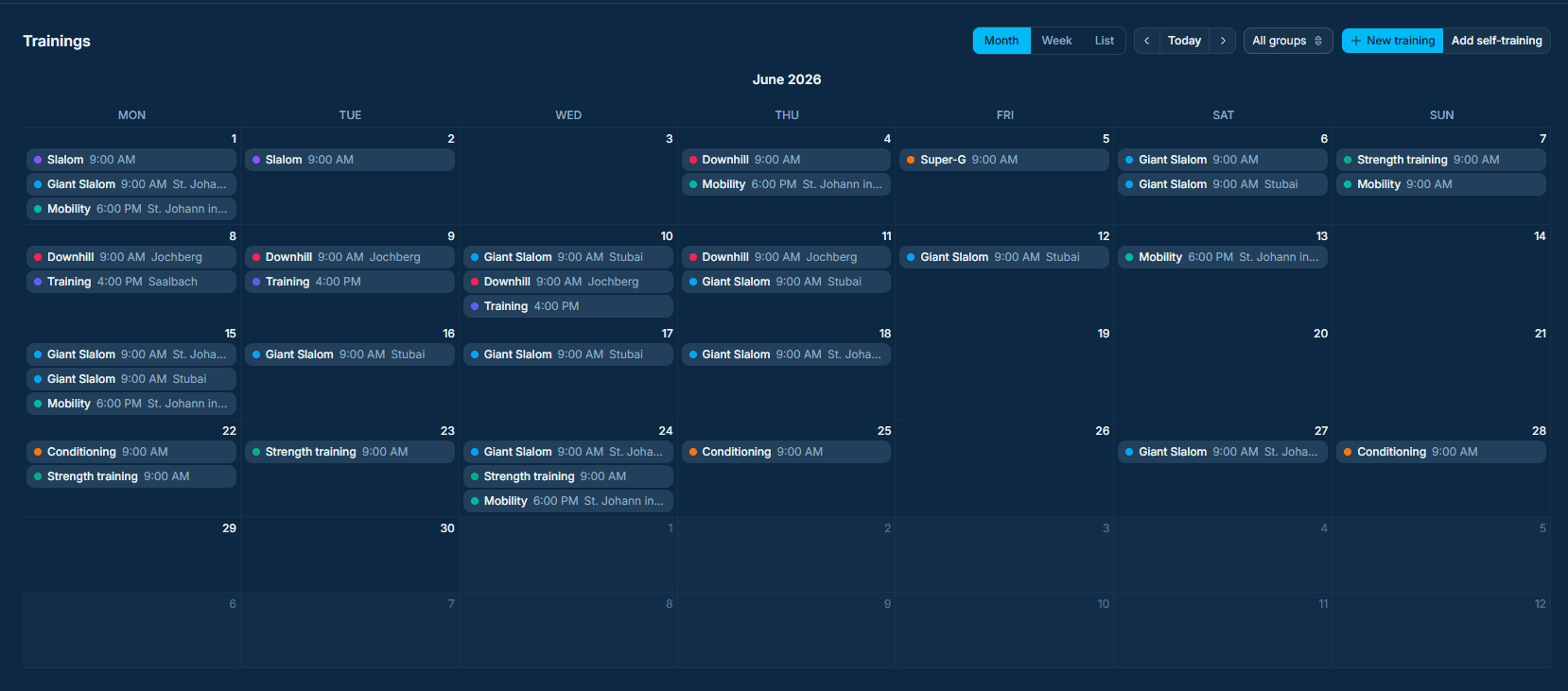
The calendar gives coaches and athletes a shared view of training days, assigned workouts, and session context.
Additional Calendar Views
The calendar also offers weekly and list views so that coaches and athletes can better understand training days, recovery phases, and training cycles.
- 1
Open the list view when you want a simple chronological rundown of upcoming sessions. It is useful for checking assignment details, notes, and the order of training days without switching between separate dates.
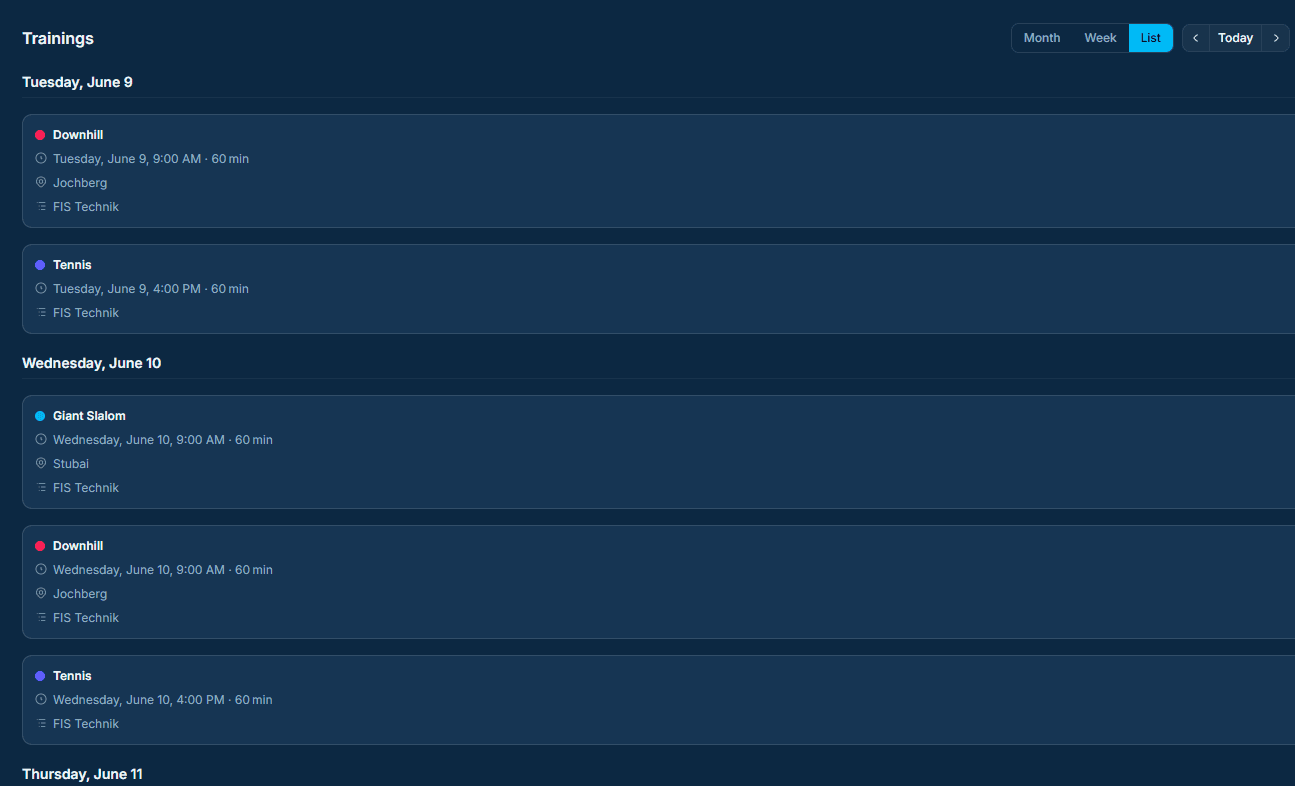
List view lays out upcoming training days in sequence so you can scan assignments, notes, and timing details quickly. - 2
Switch to the weekly view when you need to understand how sessions are distributed across the week. This makes it easier to compare hard days, recovery periods, and the overall training rhythm.
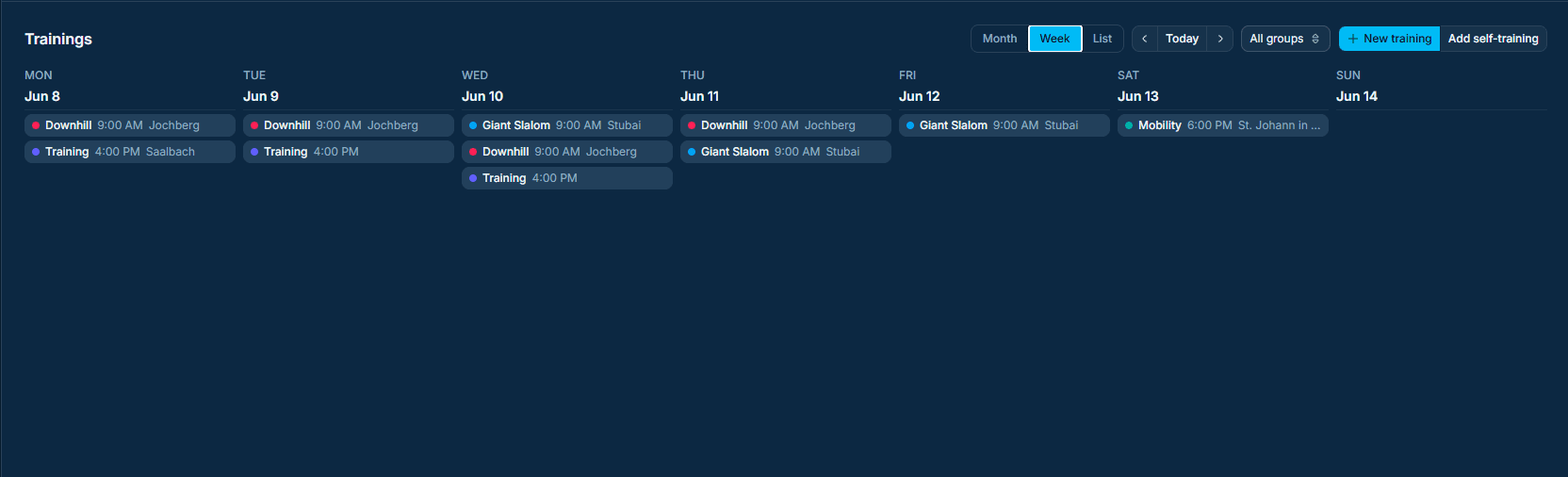
Weekly view groups sessions by day to make training load, recovery blocks, and schedule gaps easier to read.